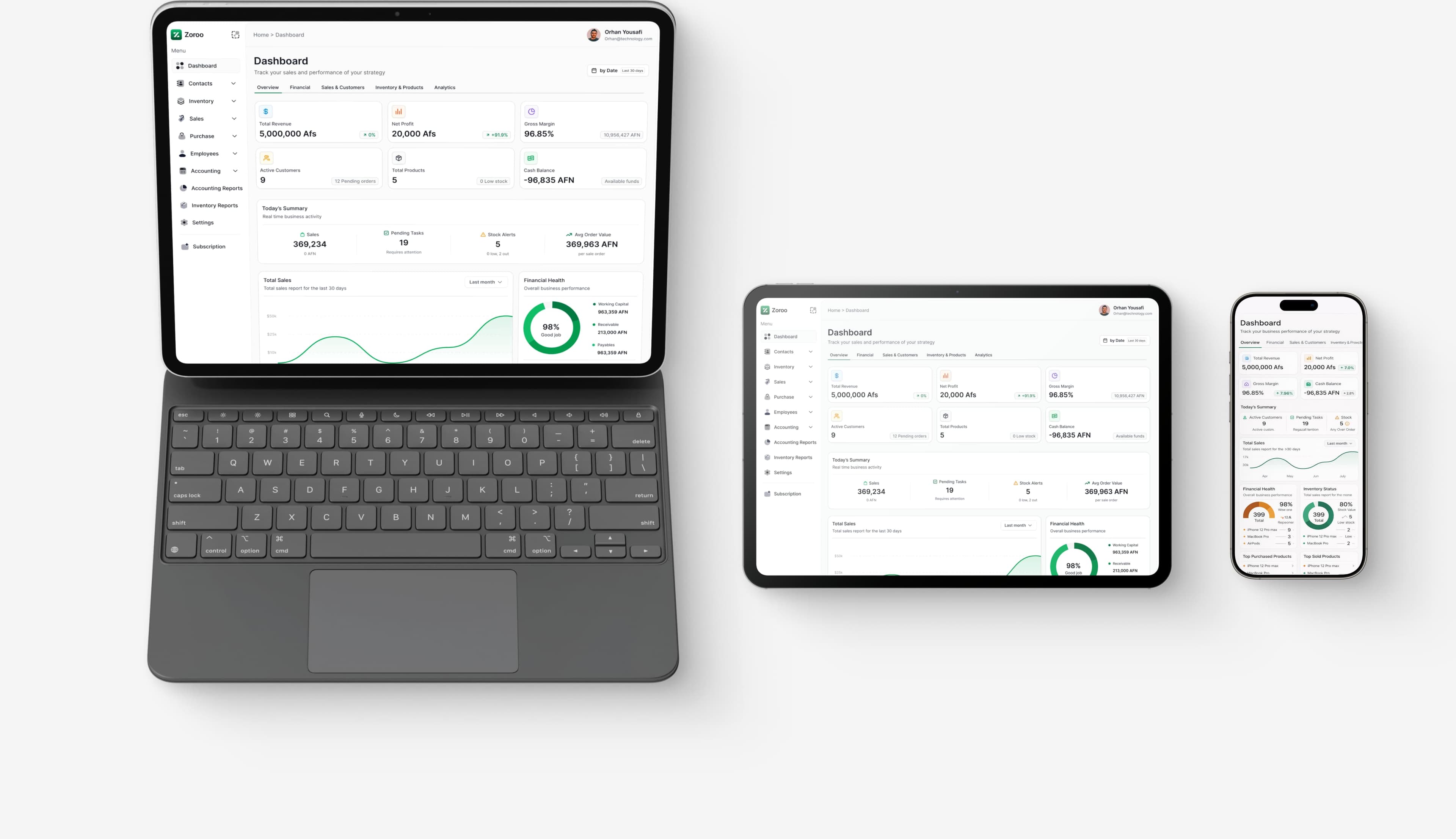

Purchase Management
Manage your procurement process efficiently with purchase order tracking, supplier management, and cost control features.
How the Purchase App Works
A quick walkthrough of the core purchase flow — create purchase orders, add items, and receive products.
Step 1
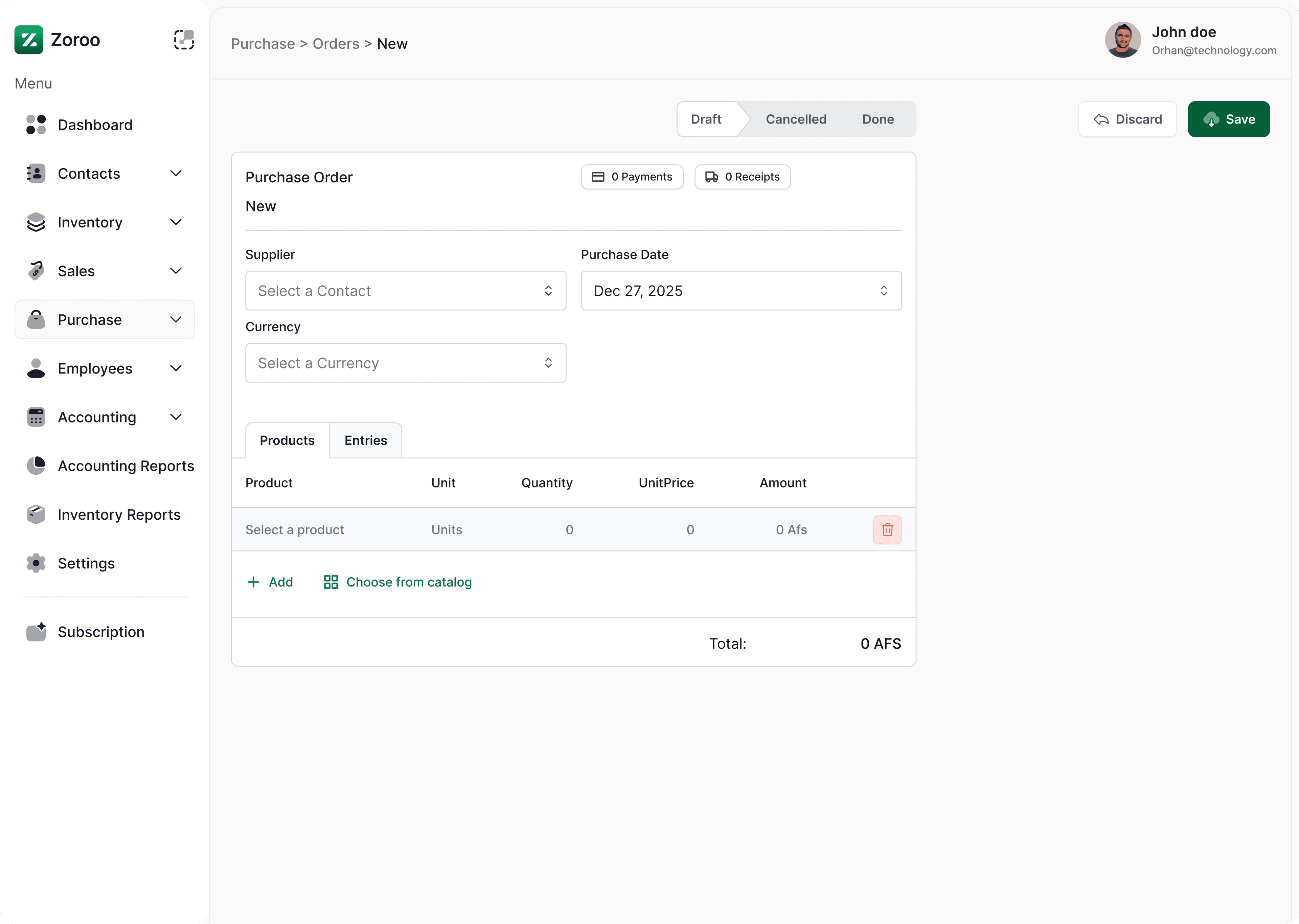
Create purchase orders quickly
Open Purchases from the menu and click New to create a purchase order.
Step 2
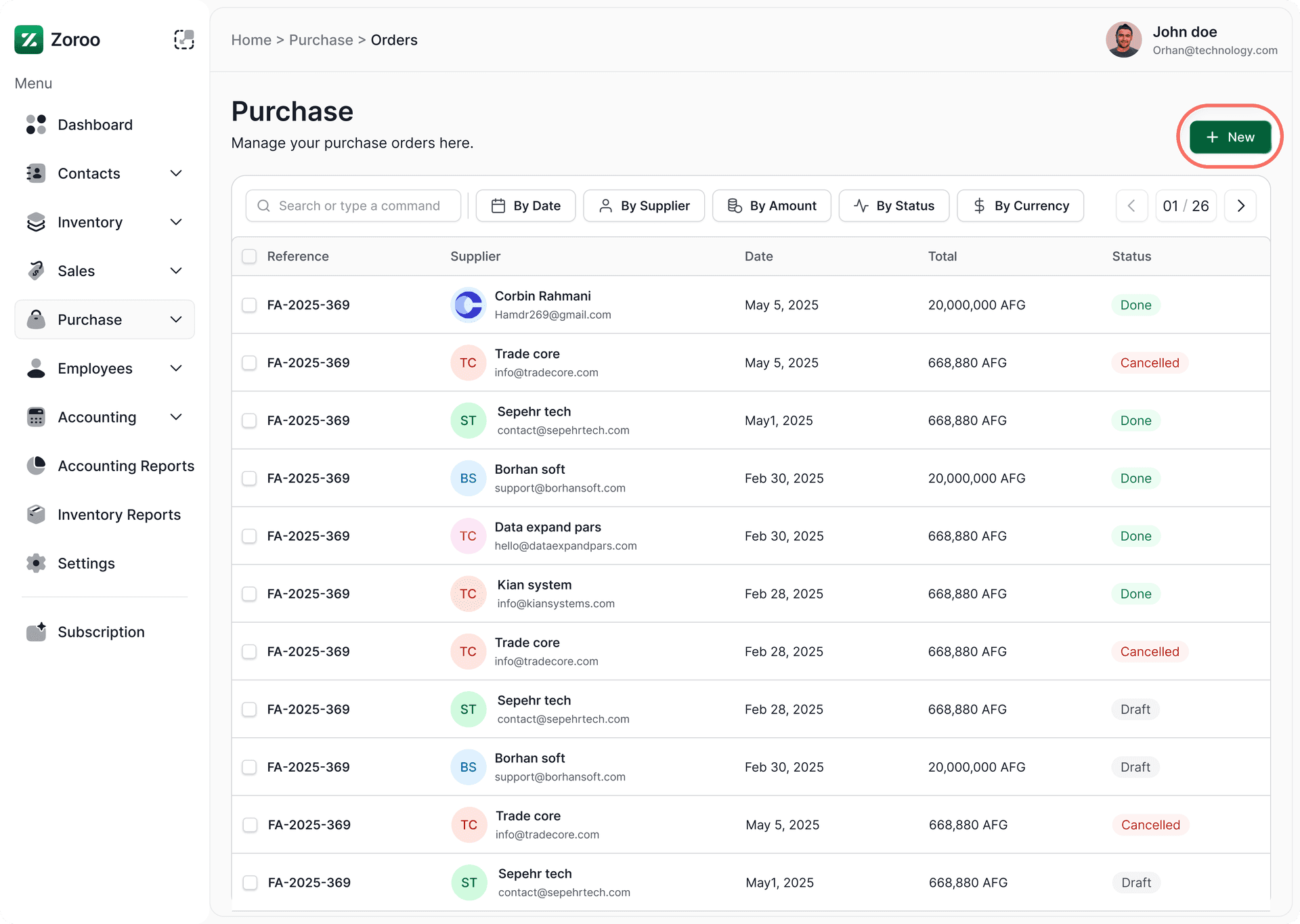
Fill supplier and item details
Add supplier info, choose products, set quantities and prices, then save.
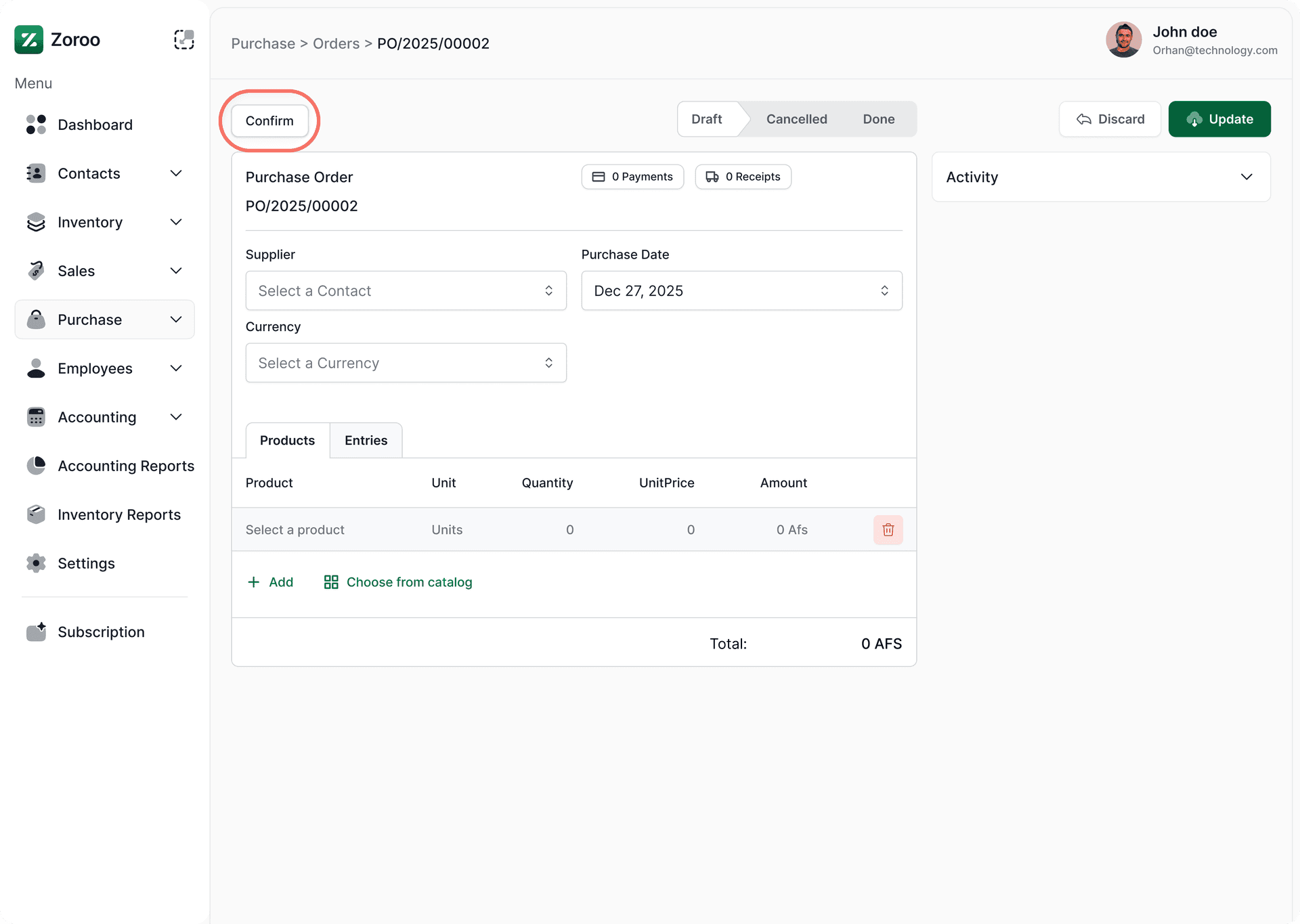
Step 3
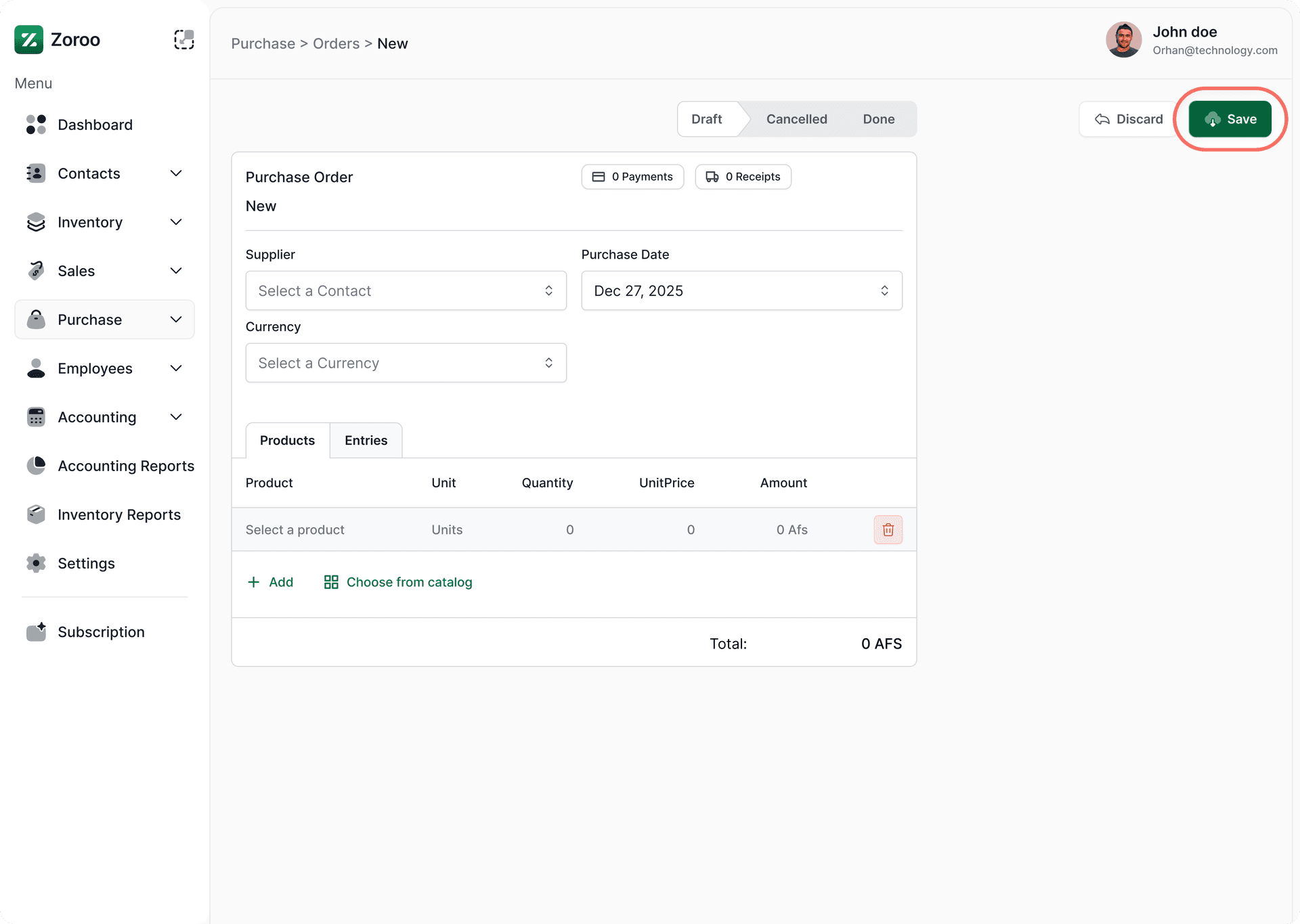
Confirm the purchase
Review the purchase order and confirm to proceed.
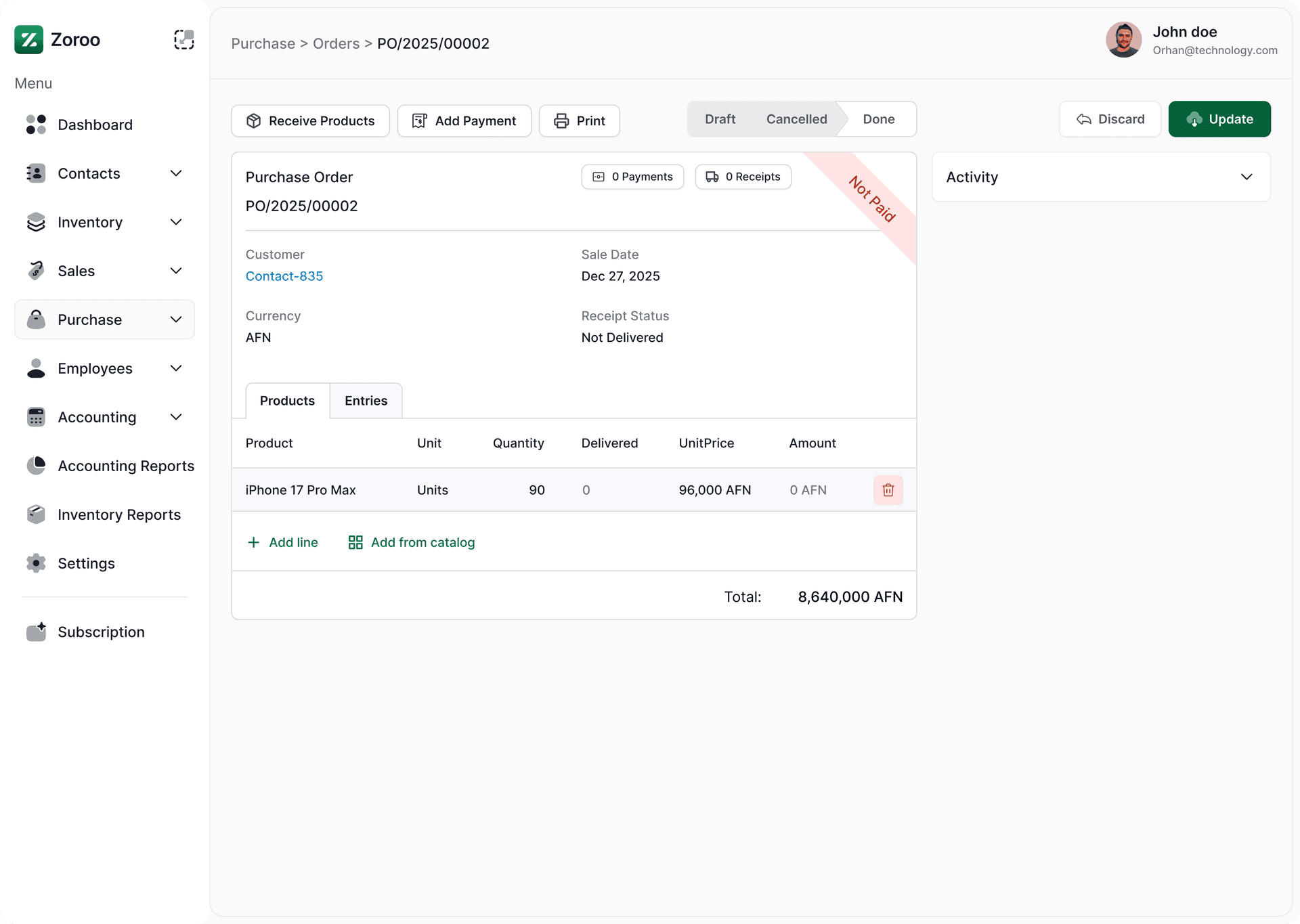
Step 4
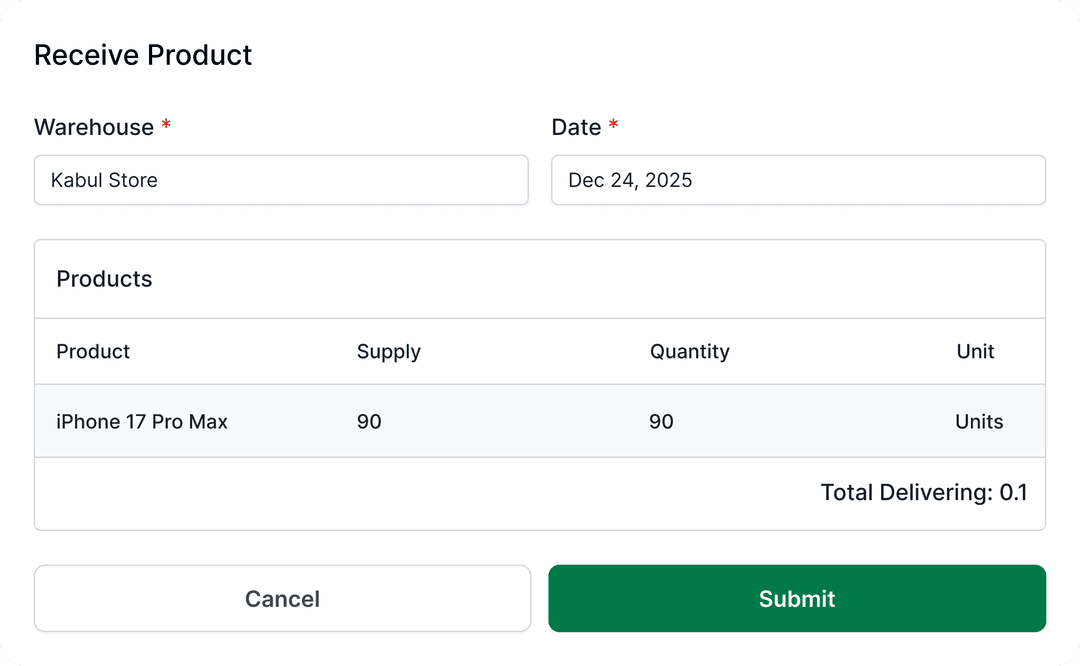
Receive items and manage receipts
Receive products, confirm quantities, and track costs within the system.

Explore more apps
Discover complementary apps that streamline other parts of your business workflow.


Start you're 14 day free trial today
You can test our system for 14 days for free, or get your plan.